
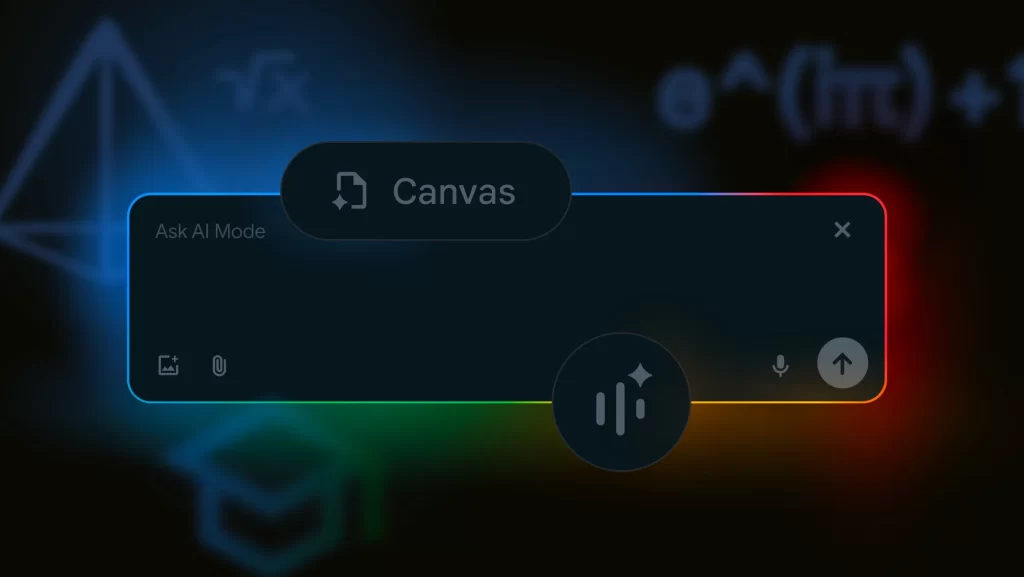
July 30, 2025-Google has introduced major enhancements to its AI-powered Search Mode, offering users new ways to interact with information using real-time video, document uploads, and interactive planning tools. The latest updates—launched through Search Labs in select regions—include Search Live with video input, PDF document support, and a Canvas feature aimed at transforming how users plan and organize tasks.
These additions mark a strategic shift in how Google envisions the future of search—moving beyond traditional queries toward an experience powered by multimodal AI that can interpret text, visuals, documents, and speech.
Search Live: A Real-Time Visual Search Experience
Among the most anticipated updates is the Search Live capability, which enables users to point their phone camera at objects or scenes and ask questions in real time. By combining voice input with live video through the Google app, the feature allows the AI to interpret the environment and provide relevant, spoken responses alongside suggested web resources.
This new format builds on existing voice-based AI search and integrates the latest advancements in Google’s Gemini model, which allows more natural, back-and-forth interaction. The feature is currently available on mobile devices and is expected to expand to broader markets in the near future.
Enhanced PDF Interaction for Productivity
Also debuting is a feature allowing users to upload PDF files directly into AI Mode. Once a document is uploaded, the AI assistant can analyze its content, summarize key points, and respond to user questions with references to specific sections of the file. The system is designed to improve document comprehension for students, professionals, and researchers who deal with large volumes of reading material.
Google has confirmed that future updates will enable similar functionality with files stored in Google Drive, offering seamless integration with its productivity tools.
Canvas: A Smarter Way to Plan
The introduction of Canvas, a new interactive planning workspace, represents a further step toward practical AI assistance. When users ask questions involving planning—such as organizing study schedules, preparing for trips, or creating project timelines—the system now prompts them to open a Canvas.
This tool presents a side panel where the AI generates a structured outline that users can edit, expand, or adjust with follow-up prompts. Users can also upload additional context, like course outlines or meeting notes, to tailor the plan more precisely to their needs.
A More Interactive and Personalized Search Experience
Google’s upgraded AI Mode showcases a more immersive and intelligent search ecosystem that blends multiple forms of input—voice, image, text, documents, and live video. The company also revealed that the backend AI employs a process known as “query breakdown,” which deconstructs complex questions into smaller components to deliver detailed, multi-sourced answers.
With these enhancements, Google is aiming to make search more actionable and personalized, especially as the new academic year begins. The features remain available in preview via Search Labs, with a global rollout anticipated later this year.